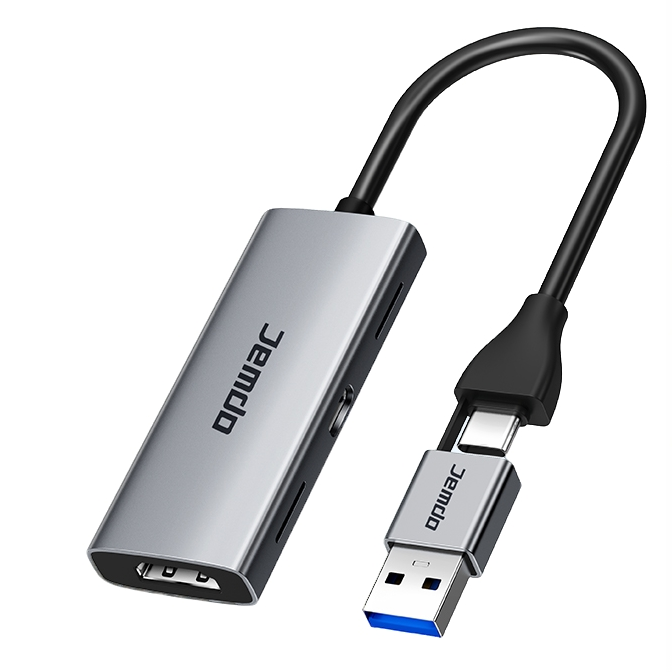
Connection Guide: Switch Screen Mirroring to iPad a laptop
- Insert your Nintendo Switch console into the official dock;
- Connect the HDMI cable from the dock to the input port of the capture card;
- Connect the output end of the capture card to your laptop or iPad;
- Open a capture software (e.g., OBS Studio) or a USB camera application.
Key Features: